Verify License
Web Account Registration
You must hold a valid PDS license to register a web account. You will need your PDS installation ID, license number & license password to register. Your Installation ID and PDS License Number can be obtained from Windows PDS. After launching PDS, click “Help” near the top of the main window. Then select “About PDS”. The following screen should appear with the information you’ll need.
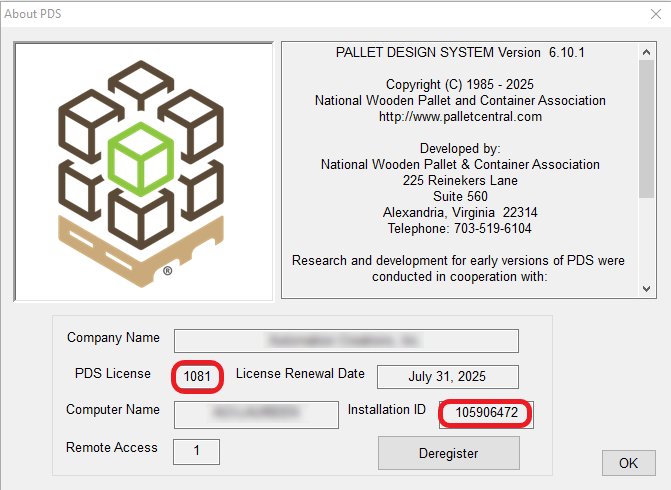
Once you have your information, go to https://pds-suite.com/
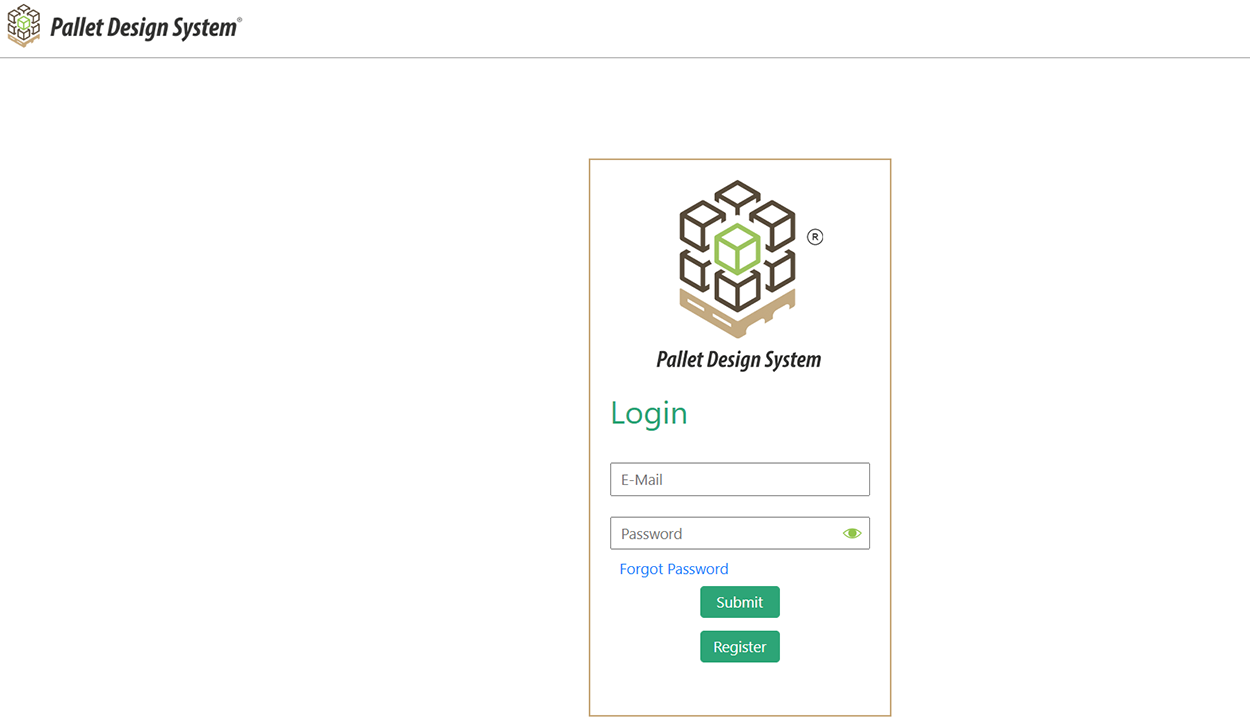
Click the Register button.
Enter your Installation ID, License Number and License Password. If you cannot retrieve this information, contact support at 703-519-6104 or info@palletcentral.org.
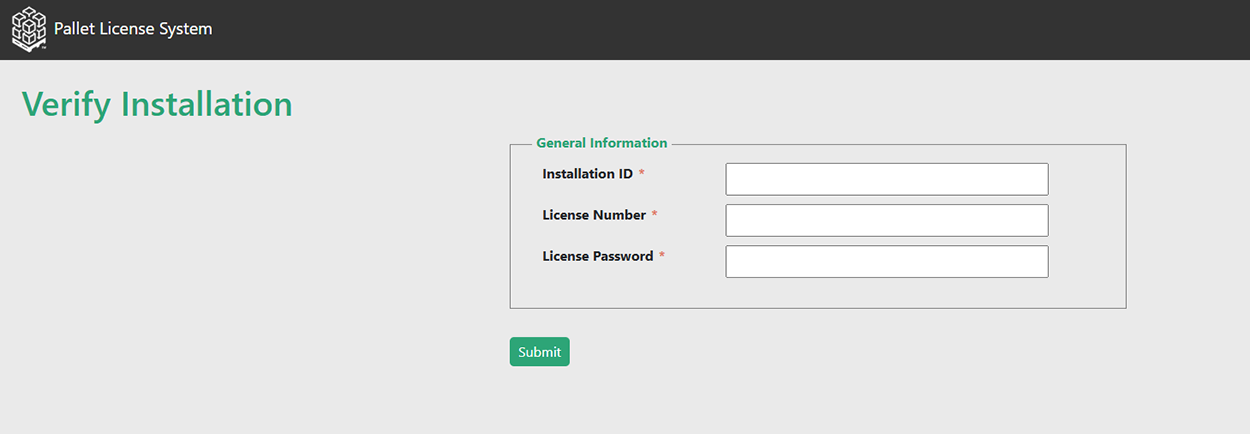
Enter your User Profile information next.
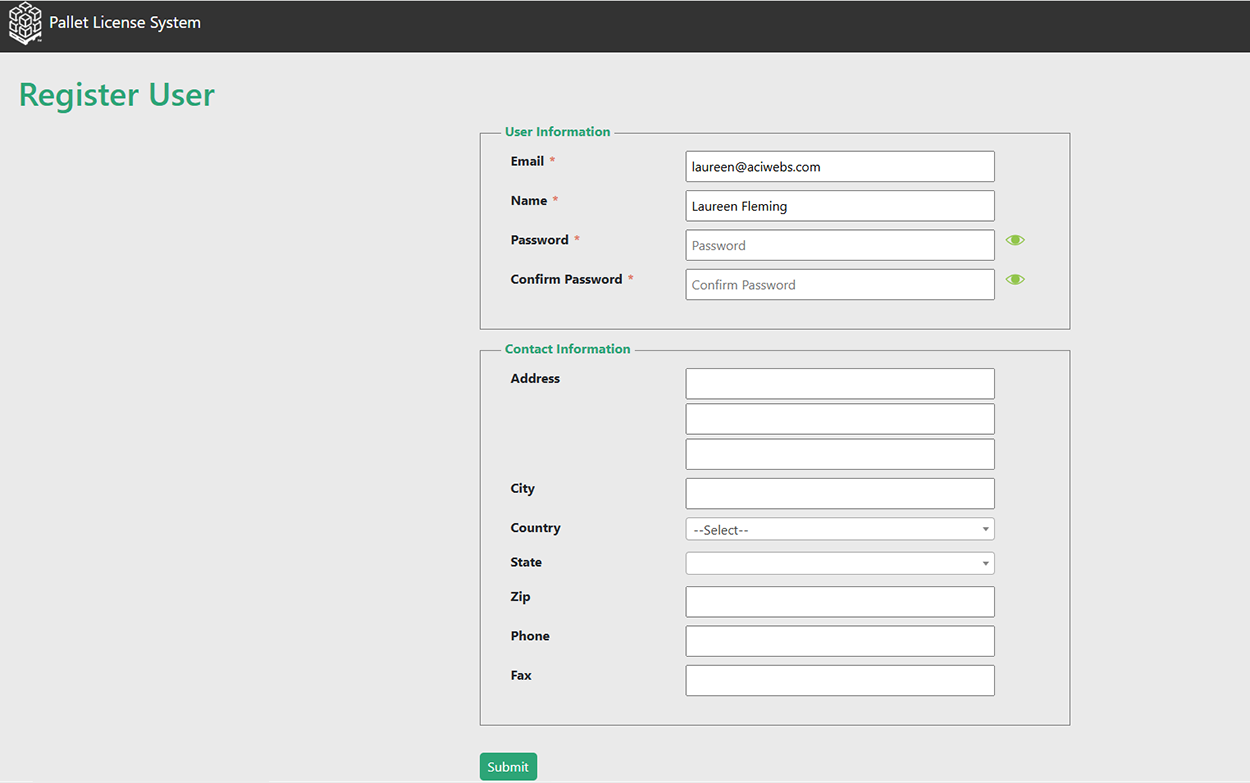
Verify your email address and name. Create a password meeting these requirements:
- At least 8 characters
- 1 special character (e.g., %, #, @, & etc.)
- 1 upper case character
- 1 number
Fill out the contact information section of the registration form and click Submit. Verify you see a pop-up message stating your new account was created. Return to the login screen, https://pds-suite.com/, to access your new account.
Enter your email address and new password, then click Submit.
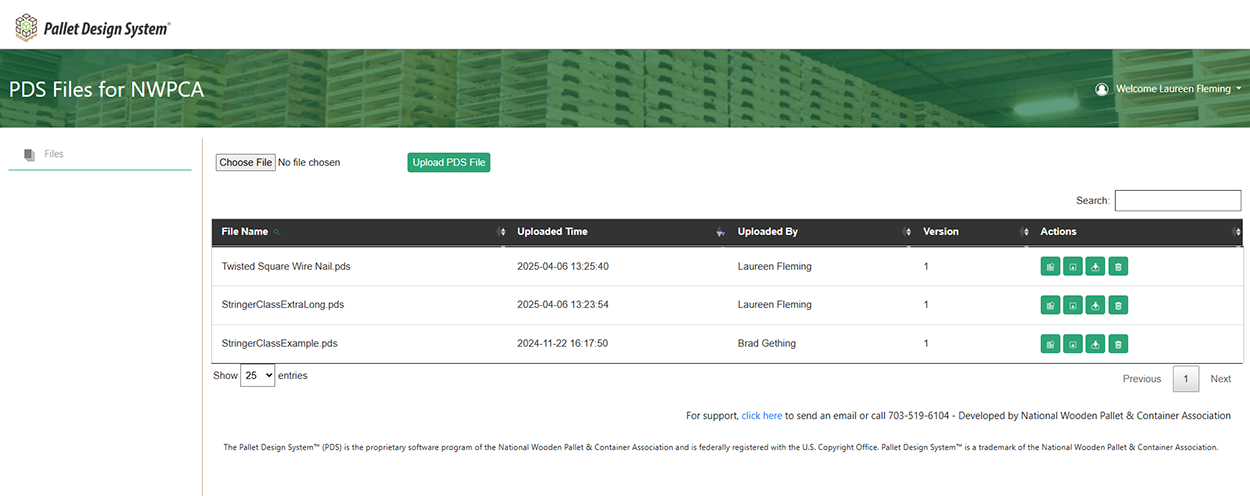
Welcome to PDS!